Introduction
REST APIs fail. Networks are unreliable. Cloud services have rate limits. If your automation script does not account for this, it will eventually break at the worst possible moment. This is not pessimism — it is production experience.
MicrosoftFabricMgmt has a lot of error handling built in, so you do not have to write it all yourself. Today I want to show you what the module handles automatically, and how to add your own handling on top for the scenarios you care about.
Built-In Retry Logic
The module includes automatic retry with exponential backoff for transient failures. When an API call returns a 429 Too Many Requests, 503 Service Unavailable, or 504 Gateway Timeout, the module:
- Checks the
Retry-Afterresponse header (if present) and waits that long - Falls back to exponential backoff if no
Retry-Afterheader is provided - Retries up to the configured number of attempts
You can see and adjust these settings:
| |
This means a typical API call that hits a rate limit does not blow up your script. It waits, retries, and most of the time succeeds. You get the result you asked for, just slightly later than you would have otherwise.
Long Running Operations
Some Fabric operations do not complete instantly. Creating a Lakehouse, deploying a Notebook, or running a refresh can take seconds to minutes. The Fabric API handles these as Long Running Operations (LROs) — the initial API call returns an operation ID, and you poll for completion.

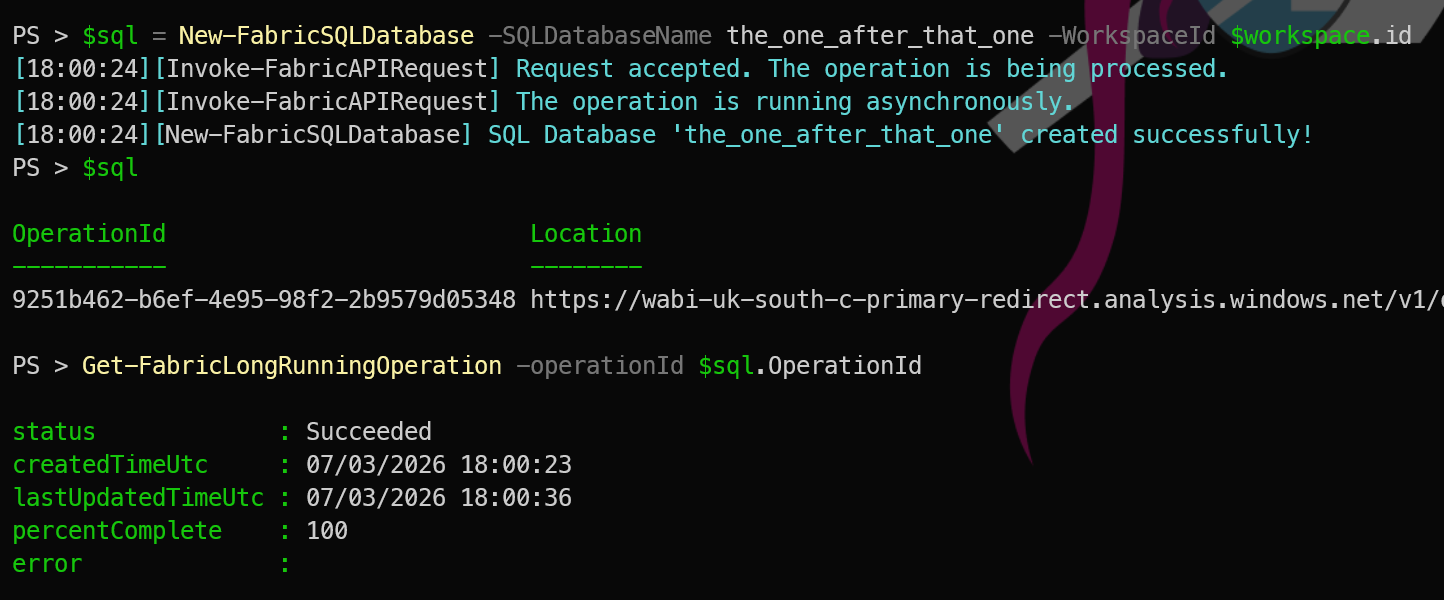
MicrosoftFabricMgmt handles this transparently for the common create and modify operations. But for cases where you need to track an operation explicitly, you can use Get-FabricLongRunningOperation:
| |
Writing Your Own Error Handling
For operations where you want to catch specific failures and take action, use standard PowerShell try/catch:
| |
The -ErrorRecord $_ parameter on Write-PSFMessage is important — it captures the full exception details in the structured log. When you review the logs later, you get the stack trace and error details alongside your message, not just a string. We covered PSFramework logging in yesterday’s post.
Checking for Existing Resources
A common pattern in idempotent scripts is checking whether something already exists before trying to create it:
| |
This makes the “check before create” pattern clean and readable.
Putting It All Together
Here is a complete pattern for resilient Fabric automation:
| |
Tomorrow
Tomorrow we start looking at the resources themselves — the things that live inside workspaces. We begin with Lakehouses. See you then.