Introduction
If you have been following this blog for a while, you will know that I am a huge fan of using PowerShell to manage and automate things. SQL Server, dbatools, dbachecks — automating the boring stuff so we can spend time on the interesting stuff.
I have been introducing the Microsoft fabric-toolbox — covering the toolbox itself, FUAM, and FCA. All excellent tools. But there is one item in the toolbox that I have been personally involved in building, and it is the one I am most excited to write about.
Today I am kicking off a series of posts about MicrosoftFabricMgmt — an enterprise-grade PowerShell module that gives you comprehensive, scriptable control over the entire Microsoft Fabric REST API. It is hosted as part of the fabric-toolbox on GitHub.
Who Built It?
This module is a community and Microsoft collaboration. It was started by the talented Tiago Balabuch L and in the last few weeks Jess Pomfret B S L and myself have made major improvements to the module, and we are really proud of it and excited about how it has turned out.
What Does It Do?
In short: a lot.
It wraps almost the entire Microsoft Fabric REST API in a PowerShell module, with a consistent, intuitive interface that follows PowerShell best practices. It is designed to be used by everyone — from the person who just wants to automate a few tasks in their Fabric tenant, to the person who is building an enterprise-grade automation framework for managing hundreds of tenants and thousands of resources. Jess and I have added verification against the official Microsoft Fabric REST API specifications
- 295+ cmdlets covering 48 different Microsoft Fabric resource types
- Lakehouses, Warehouses, Notebooks, Pipelines, Eventstreams, KQL Databases, ML Models, and much more
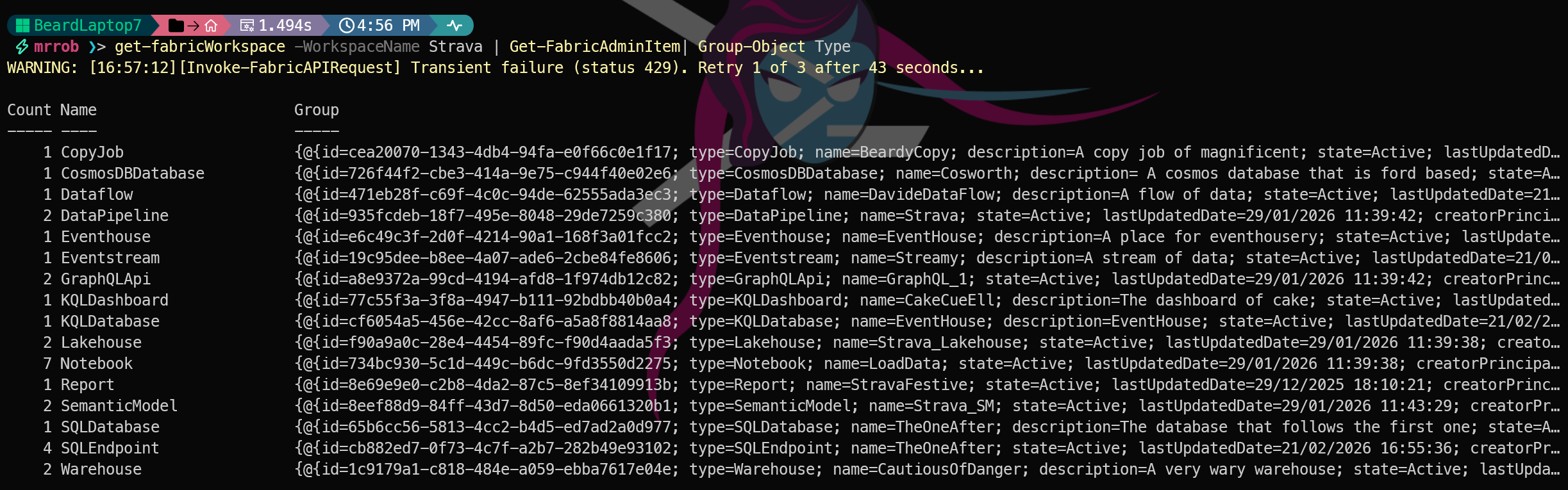
- Intelligent output formatting - My second favourite improvement — no more squinting at GUIDs. We use our data knowledge and enrich the data before returning it. The module automatically resolves Capacity IDs and Workspace IDs to human-readable names, with smart caching so it stays fast
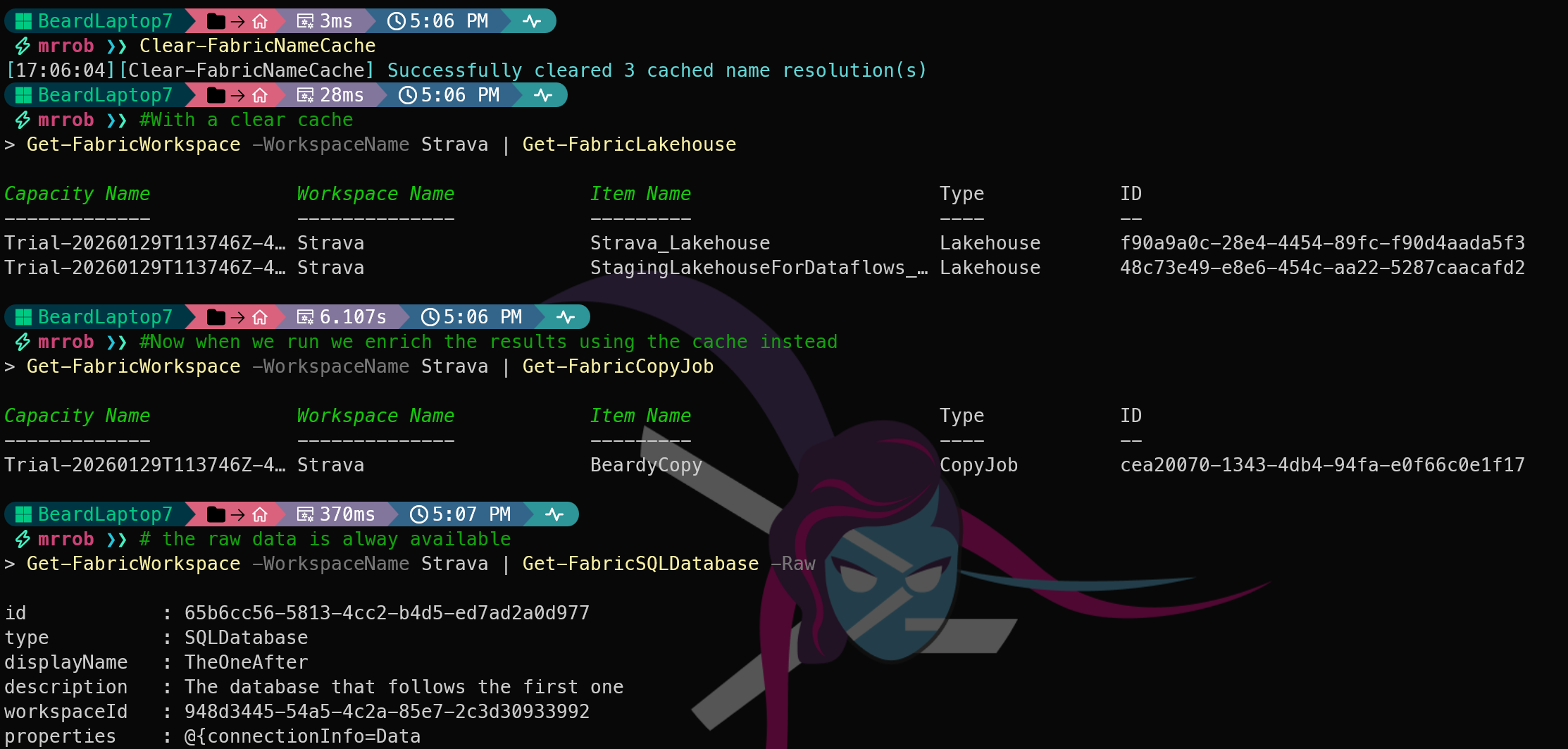

The raw data is still there if you want it.
- Full PowerShell pipeline support - my favourite improvement — You can now pipe workspaces to get their lakehouses, pipe to get their SQL Endpoints, pipe to ge the SQL Endpoints connection string all in one line of code. The PowerShell way :-)
| |

- Enterprise-grade resilience — built-in retry logic with exponential backoff, automatic rate limit handling, and Long Running Operation support
- Enterprise-grade logging and error handling — consistent, configurable caching, logging, and configuration management throughout the module
What is New?
The current release represents a major step forward from earlier versions.
You can see the full list of changes in the [changelog](https://github.com/microsoft/fabric-toolbox/blob/main/tools/MicrosoftFabricMgmt/output/CHANGELOG.md#104---2026-02-16]
The Series
Over the next few weeks I am going to take you from installing the module for the first time all the way through to managing your entire Fabric tenant, handling errors gracefully, and even contributing back to the project. We will start with installation and authentication, move through the intelligent output system, explore workspaces and the PowerShell pipeline, dig into PSFramework logging and error handling, cover the major resource types, take a tour of Real-Time Intelligence, spend time with the powerful Admin API, and finish with a complete end-to-end deployment script and a guide to contributing.
Getting the Module
You can install MicrosoftFabricMgmt right now from the PowerShell Gallery:
| |
Requires PowerShell 7 or later. The source code lives at github.com/microsoft/fabric-toolbox, and that is also where you can raise issues and submit pull requests.
See You Tomorrow
The first thing we need to do is get the module installed and prove it works. That is tomorrow’s post — installation, dependencies, and your first connection to Microsoft Fabric. See you then.
You can find all of the blog posts about MicrosoftFabricMgmt here - MicrosoftFabricMgmt Blog Posts